
Run a momentum strategy without building the setup yourself.
M Trader is a NinjaTrader 8 automated strategy built around momentum, supplied with MAS template sets, bi-weekly set updates and a strategy report by email.
Works with NinjaTrader 8 · Template sets included · Bi-weekly updates
Your trade, readable at a glance.
Template sets included
Load a MAS pre-made set from the Strategy tab instead of building the setup from scratch.
Movement-based logic
The strategy is built around momentum, with break-even, trailing and daily limits tied to the loaded set.
Updates every two weeks
Updated sets arrive with new markets, recent results and performance notes.
Reports by email
A strategy report reaches your inbox every two weeks with current performance information and update context.
Inside a live trade.
Import the add-on
In NinjaTrader Control Center, go to Tools, then Import, then NinjaScript Add-On, and confirm the import messages.
Restart NinjaTrader
Restart the platform so the newest strategy files and templates are active.
Load a template set
Choose a MAS set from the Strategy tab and load it in NinjaTrader 8.
Test the set
Run it in a test account or test environment and review the report before you consider live use.
Try it free, then pick a license.
The trial is available once per user. Prices in USD.
What traders say.
Product feedback
No reviews yet. Be the first to share feedback on this product.
Get more out of it.

M Trader and Reversal Strategy trade limits update for NinjaTrader 8
M Trader and Reversal Strategy now use trade-count daily limits instead of the older PnL-based system. The update… Read guide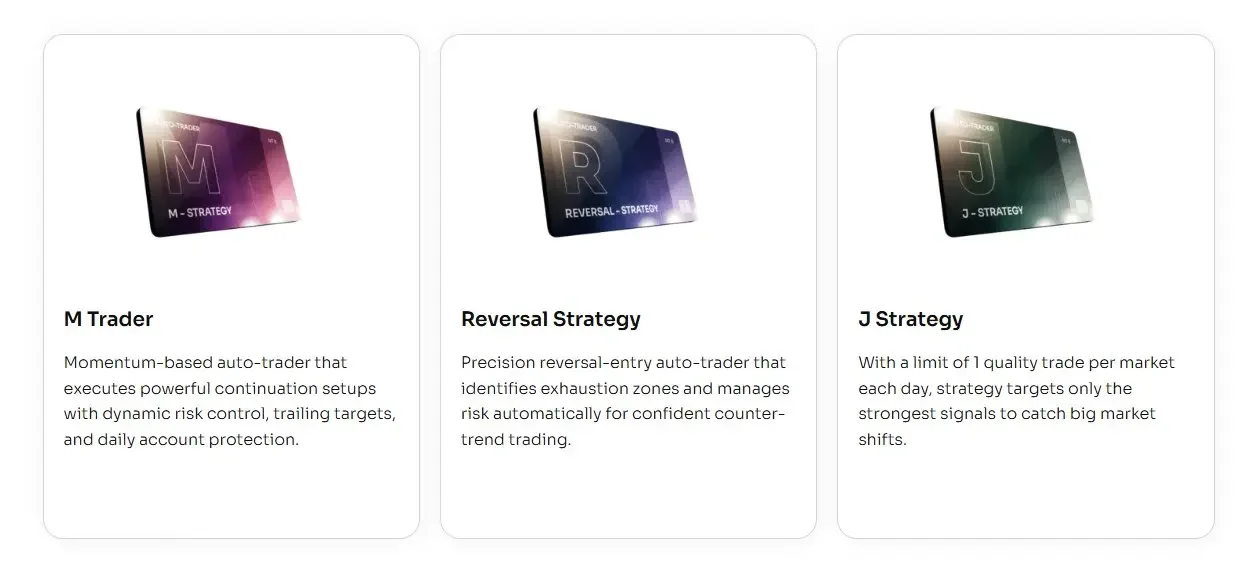
Update: Faster & Safer Auto-Trading in NinjaTrader 8
December 2025 update improves MASCapital auto-traders with faster stop handling, safer order protection, and smarter session-close logic. Read guide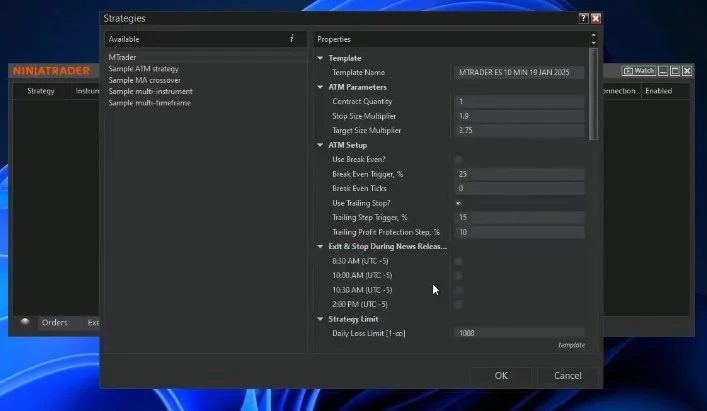
M Trader for NinjaTrader 8 — Automated Strategy Setup & Guide
Learn how to install, set up, and test the M Trader automated strategy in NinjaTrader 8. Includes SIM… Read guideNeed a hand setting it up? That is normal here.
Most traders are up and running in about five minutes. If anything is unclear, message us and we will walk you through it.
Quick answers.
What platform is it for?
M Trader Strategy is built for NinjaTrader 8.
How do I install it?
Import the file from NinjaTrader Control Center using Tools, Import, NinjaScript Add-On, then restart NinjaTrader.
Are template sets included?
Yes. M Trader includes MAS pre-made template sets for NinjaTrader 8.
How should I test it first?
Load each set on a test account or test environment, review the reports, then choose what belongs on the main account.
Can it trade more than once per day?
Yes. M Trader is a regular automated strategy and can take multiple trades during a day depending on the loaded set and market behaviour.
Do you send updates?
Yes. MAS provides bi-weekly set updates with new markets, recent results and performance notes.
Can I get help with setup?
Yes. Use the setup guide first. Remote support is available for installation and setup issues.
Does it guarantee profit?
No. Automated trading still carries risk. Reports and updates are informational, not a promise of future results.
Try it on your own charts.
14-day trial, no card needed. Works on NinjaTrader 8 and installs in about five minutes.